
Last Updated: June 10, 2025
Brands in HubSpot(formally Business Units) enable you to organize marketing assets—such as forms, emails, and landing pages.
Toggling Between Brands
- Log into HubSpot
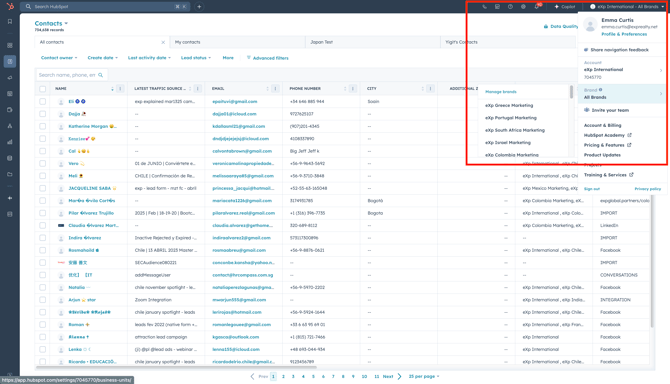
- Click the Settings menu in the upper right hand corner
- Hover over Brand to see all the brands for the HubSpot instance
- Click the brand you are part of to view all marketing assets associated to that brand.
You will want to make sure you are creating any new marketing asset in your country brand for proper tracking and alignment!
Have more questions about Brands? Check out our FAQs!