
Last Updated: June 10, 2025
- Log into HubSpot
- Navigate to CRM > Deals
- Ensure you are in the Sales Pipeline via the drop-down menu
- If you are not, use the drop-down menu to select Sales Pipeline.
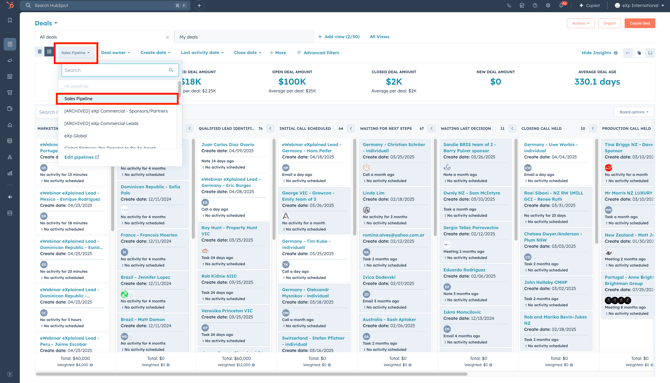
- To locate deals for a respective country, use the Deal Owner filter and filter based on country broker email address.

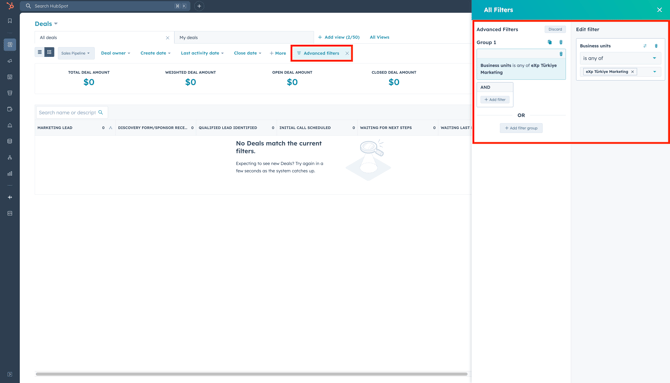
- Use the Advanced Filters to filter more, like filtering for Brand.
- Click on Advanced Filters, where a pop-up menu will appear on the right-hand side of your screen.
- Use the Search bar to search for more properties to filter.
- To filter by Brand, search Business Units and select the respective Brand(formally Business Units).
Need a walkthrough? Click here for a quick video!